
“Can Everyone See This Exhibit?” (Narrator: They Could Not)
We’ve all been in that deposition. The one where half the room is squinting at a screen that’s slightly too far away, someone’s asking “can you make that bigger?”, the witness is craning their neck trying to see what you’re talking about, and you’re explaining for the third time which paragraph you want them to focus on.
Or it’s a Zoom depo, and you’re screen sharing, and the witness’s face disappears completely while they’re reacting to the document, and you’re stuck choosing between seeing their expression or seeing the exhibit but never both at once.
Meanwhile, opposing counsel is asking if they can see it better on their end, the court reporter is trying to capture verbal descriptions of visual references, and your paralegal is somewhere between exhausted and in need of a 6th cup of coffee.
There’s a much better way to do this.
What Picture-in-Picture Actually Does (And Why You’ll Wish You’d Known About It Sooner)
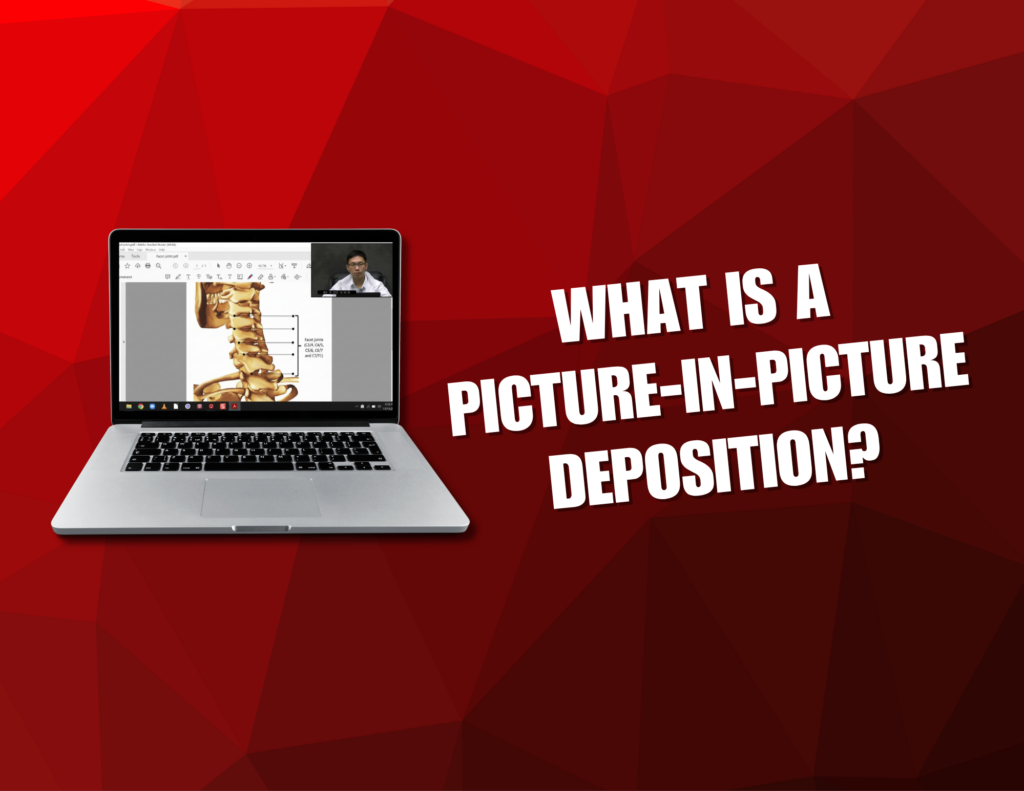
Picture-in-Picture or PiP for short, captures the witness and whatever exhibit they’re looking at, at the same time, in the same frame.
For in-person depositions: The video shows the witness alongside the exhibit display, so you see their reactions while they’re reviewing documents.
For Zoom depositions: It’s a split-screen setup where the witness on one side, exhibits on the other. No more toggling between gallery view and screen share. No more losing the witness’s face while they’re looking at critical evidence.
So when you’re asking about line 23 of that contract, or when the witness is circling the dent in the photo, or when you’re walking them through medical records page by page? Everyone sees it. Clearly. Simultaneously.
Why This Changes Everything (Especially If You’ve Never Tried It)
During the Deposition: Everyone Can Actually See What’s Happening
Depositions are already stressful enough without adding a layer of technical difficulties. With PiP, when you pull up an exhibit, it’s just… there. On screen. For everyone.
The witness can see it clearly. (Which means better, more accurate testimony.)
Opposing counsel can see it clearly. (Which means fewer interruptions and objections based on “I can’t see that from here.”)
And for remote depositions? You’re not sacrificing the witness’s facial expressions and body language just to show a document. You get both. At the same time. Like it should have been all along.
When Witnesses Mark Exhibits: You Actually Capture It
You know that moment when you ask a witness to circle something on a document, and they do, and later you’re trying to explain to a judge or jury what they circled based on… your description? And a static image of a post-marked exhibit?
PiP captures the actual moment. You see the witness’s hand moving (in person) or their annotation in real-time (on Zoom). You see exactly where they mark. You see their hesitation or confidence. You see their face while they’re doing it.
For Trial Prep and Motion Practice: The Video Is Actually Usable
Here’s what usually happens with standard deposition video: You designate clips. You reference exhibits. Then you spend trial prep trying to explain context to people who weren’t there.
With PiP, the context is already baked in. The video shows what was being discussed. Judges, mediators, and jurors don’t need a roadmap, they just need to watch.
Which means:
- Faster clip selection
- Clearer motion exhibits
- More powerful mediation presentations
- Less “wait, which document were they looking at?”
What Makes PiP Different from “Just Screen Sharing”
You might be thinking: “Can’t we just screen share in Zoom and record that?”
Technically, yes. Realistically? That’s how you end up with:
- The witness’s face disappearing whenever you share a document
- Grainy, pixelated exhibits
- Audio sync issues
- Random technical glitches mid-deposition
- Video files that are a nightmare to work with later
- Moments where someone’s screen freezes and nobody notices for three questions
- Choosing between seeing reactions or seeing documents, never both
PiP is professionally managed, properly synced, correctly framed, and specifically designed for legal use. It’s not a workaround. It’s a purpose-built solution that works seamlessly whether you’re in a conference room or on a video call.
When You Should Actually Use PiP
Honestly? Way more often than you probably think.
PiP makes sense anytime:
- You’re going through documents or photos with a witness
- The witness needs to mark or annotate exhibits
- You’re dealing with technical diagrams, medical images, or complex records
- There’s any chance the deposition gets used at trial
- You want opposing counsel to have zero excuses about exhibit visibility
- The deposition is remote and you need to see both witness and documents
- You’d rather not spend 20 minutes of depo time solving screen-sharing problems
Once you use it once, you’ll wonder why you ever did depositions any other way.
We’ve done this hundreds of times, remote and in-person. We know what works, what doesn’t, and how to keep everything running smoothly without becoming a distraction.
Want to make your next deposition smoother for everyone involved? Let’s set up a Picture-in-Picture video deposition for you!


